
Product Tour
See PharmaLink in Action
A walk through the screens your staff will use every day — dispensing, ePrescribing, inventory, reporting, and the patient portal.
Dispense
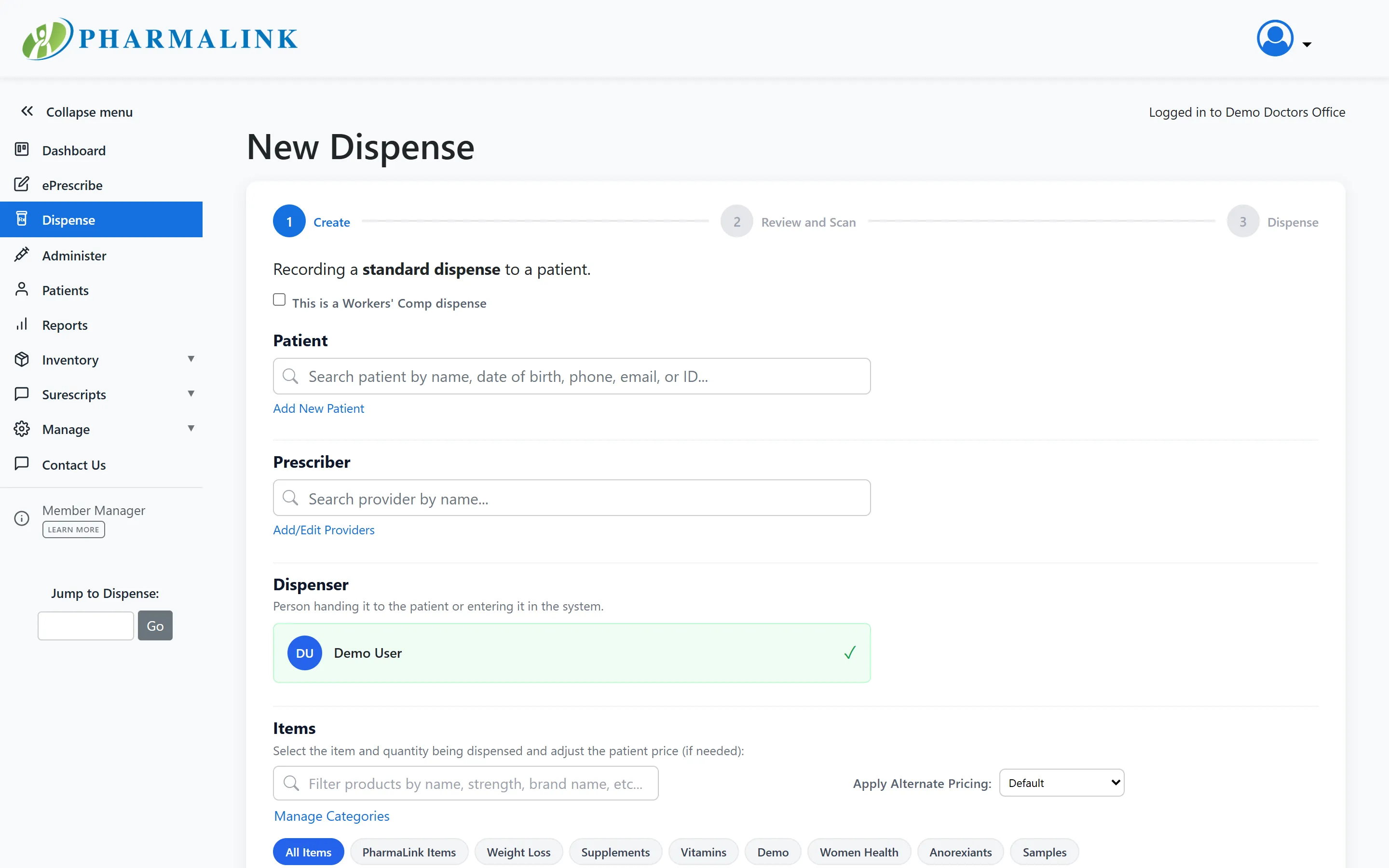
Dispense a medication in three guided steps
Select the patient, provider, and medication — scan the barcode to pull the right product and lot instantly. A compliant label, receipt, and patient information sheet print automatically, and the whole thing takes 15 to 30 seconds.
ePrescribe
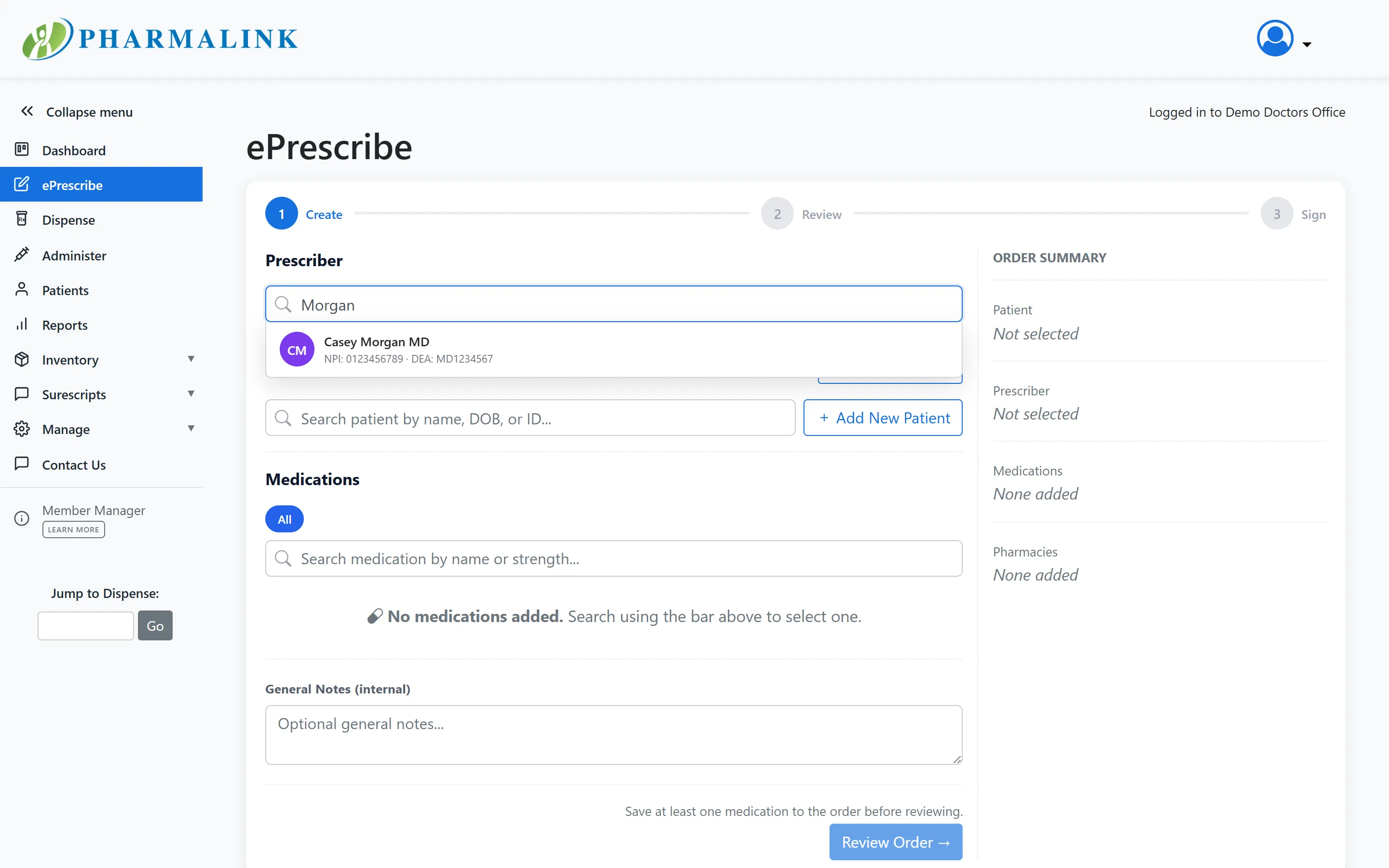
Write and route prescriptions electronically
The ePrescribe composer walks providers from patient to medication to signature in one screen, with a running order summary. Prescriptions route to the patient’s pharmacy of choice, or to a mail-order pharmacy for home delivery.
Dashboard
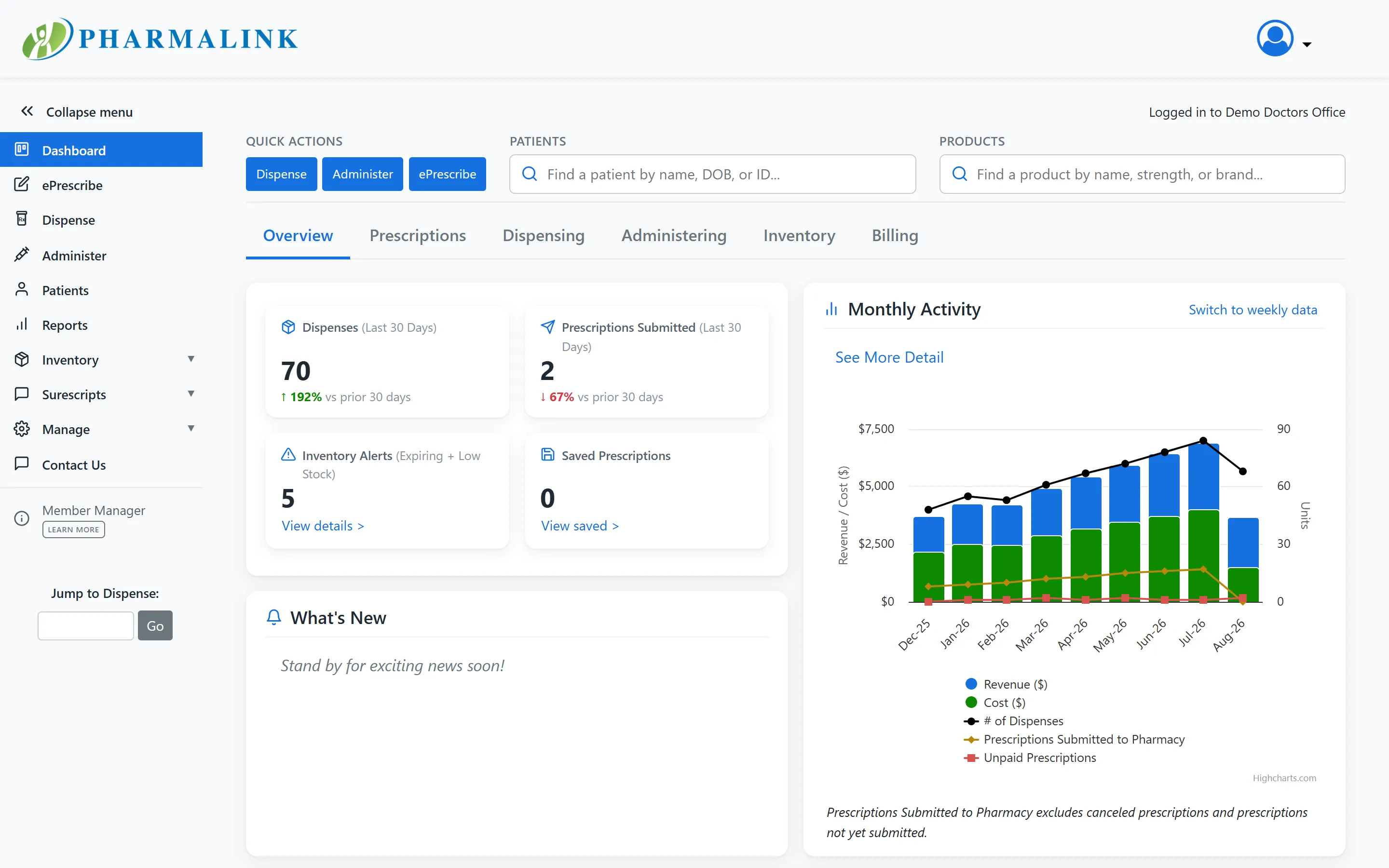
Your practice at a glance
The dashboard opens on quick patient and product lookup, 30-day dispense and prescription counts trended against the prior period, and alerts for inventory that is expiring or running low. A monthly activity chart tracks revenue, cost, and dispense volume, and tabs break out prescriptions, dispensing, administering, inventory, and billing.
Inventory
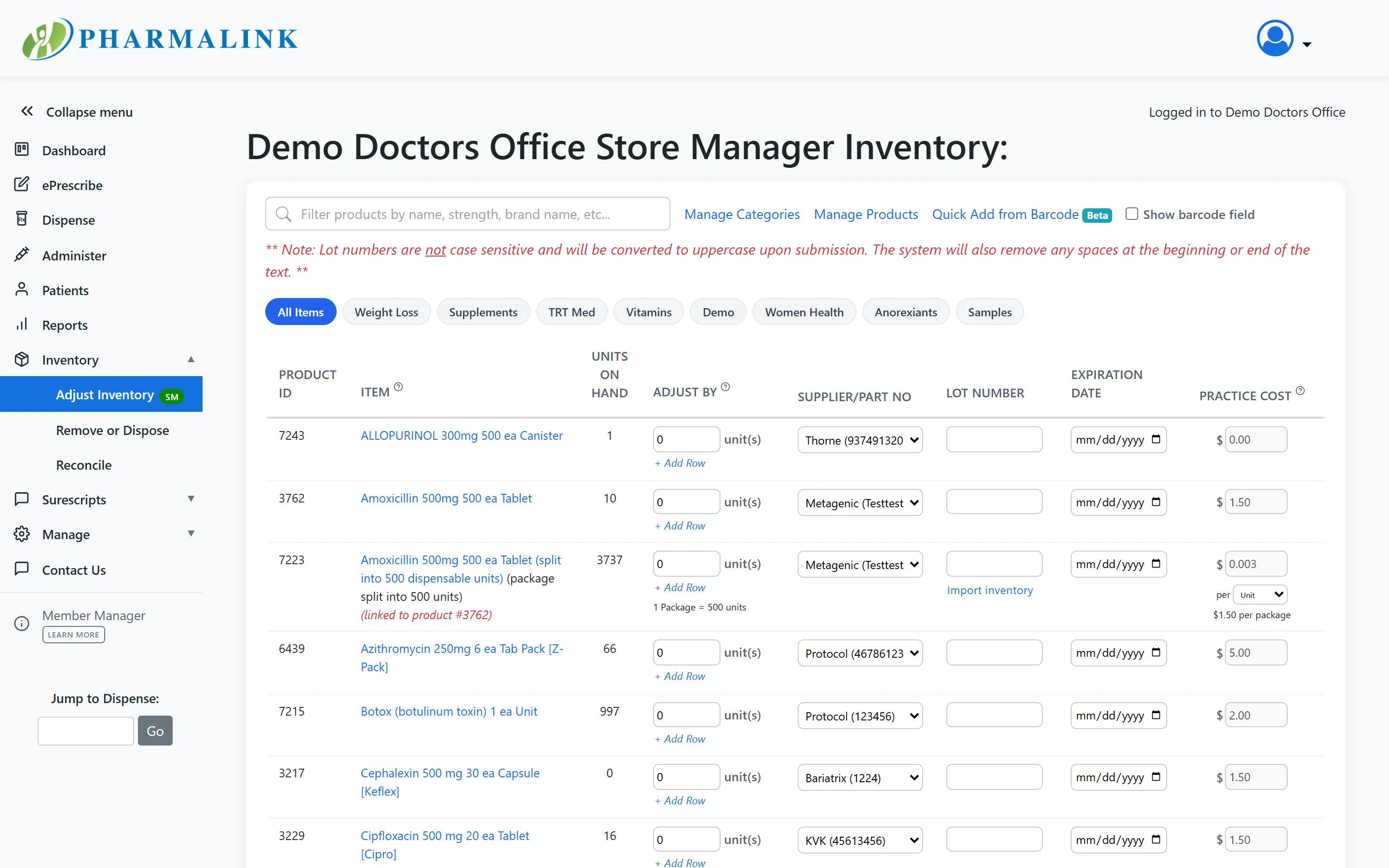
Inventory that counts itself
Receive shipments by scan, adjust quantities with lot numbers and expiration dates, and record what you paid — each line carries its own supplier and part number, whoever you bought it from. Adjust, remove or dispose, and reconcile are all one menu apart.
Reports
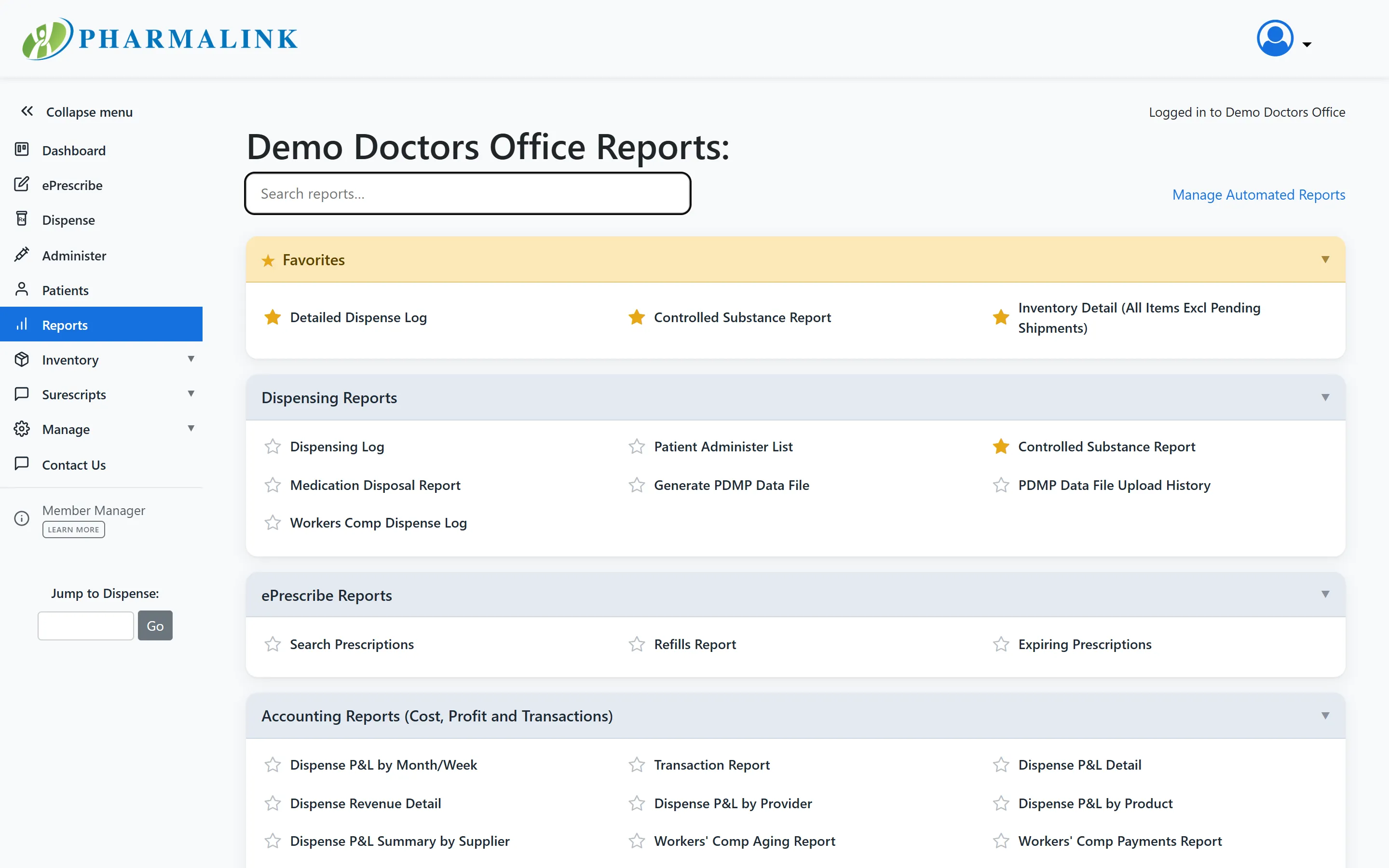
Every report your accountant — or auditor — will ask for
Inventory summaries, transaction ledgers, scan history, expiring prescriptions, and more. Star your favorites, or schedule automated reports to arrive by email.
Compliance
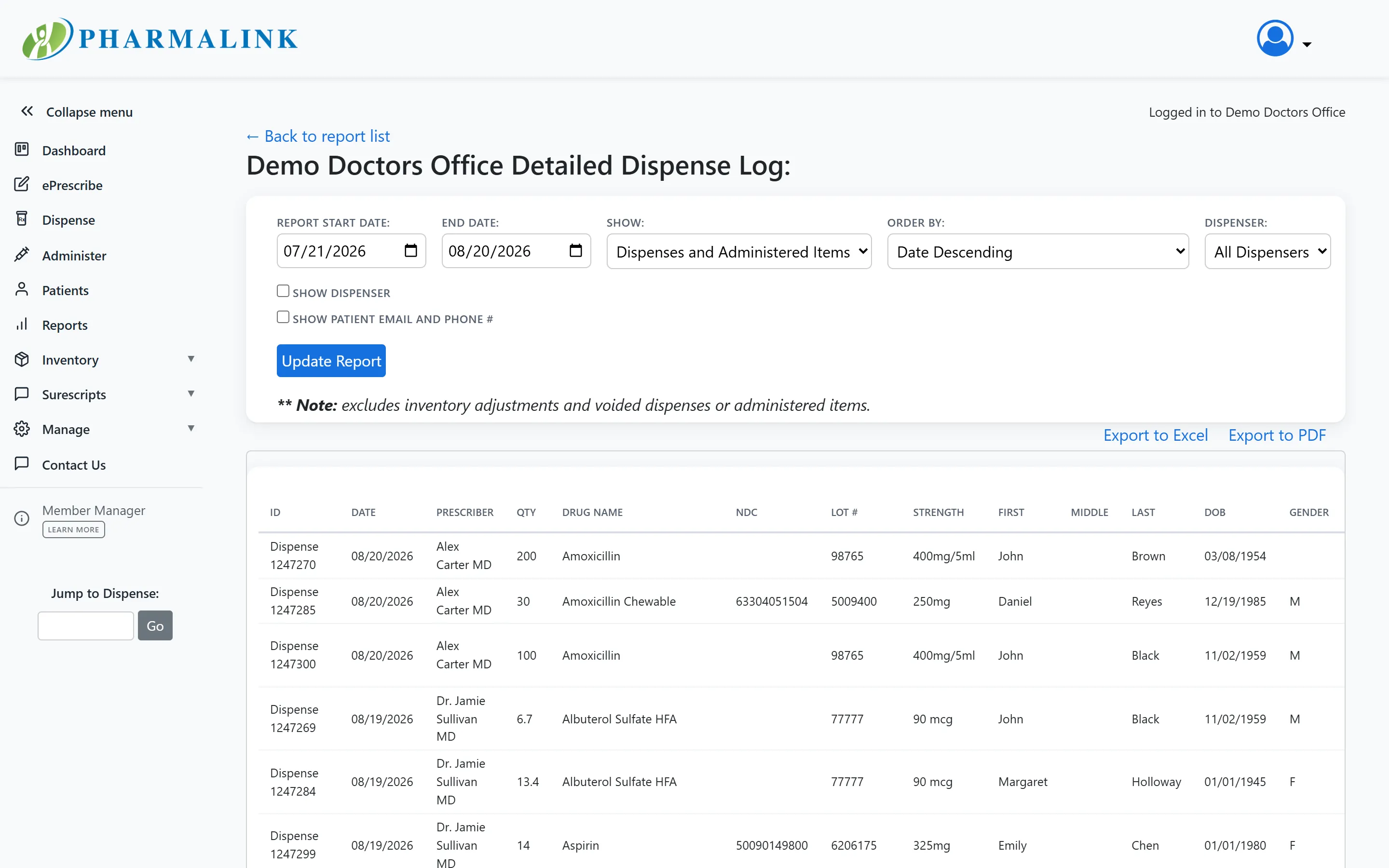
A dispense log that stands up to scrutiny
Filterable, exportable dispense history — by date range, dispenser, or record type — backed by append-only audit trails and per-record change history. Controlled-substance data reports to your state PDMP automatically.
Patient Portal
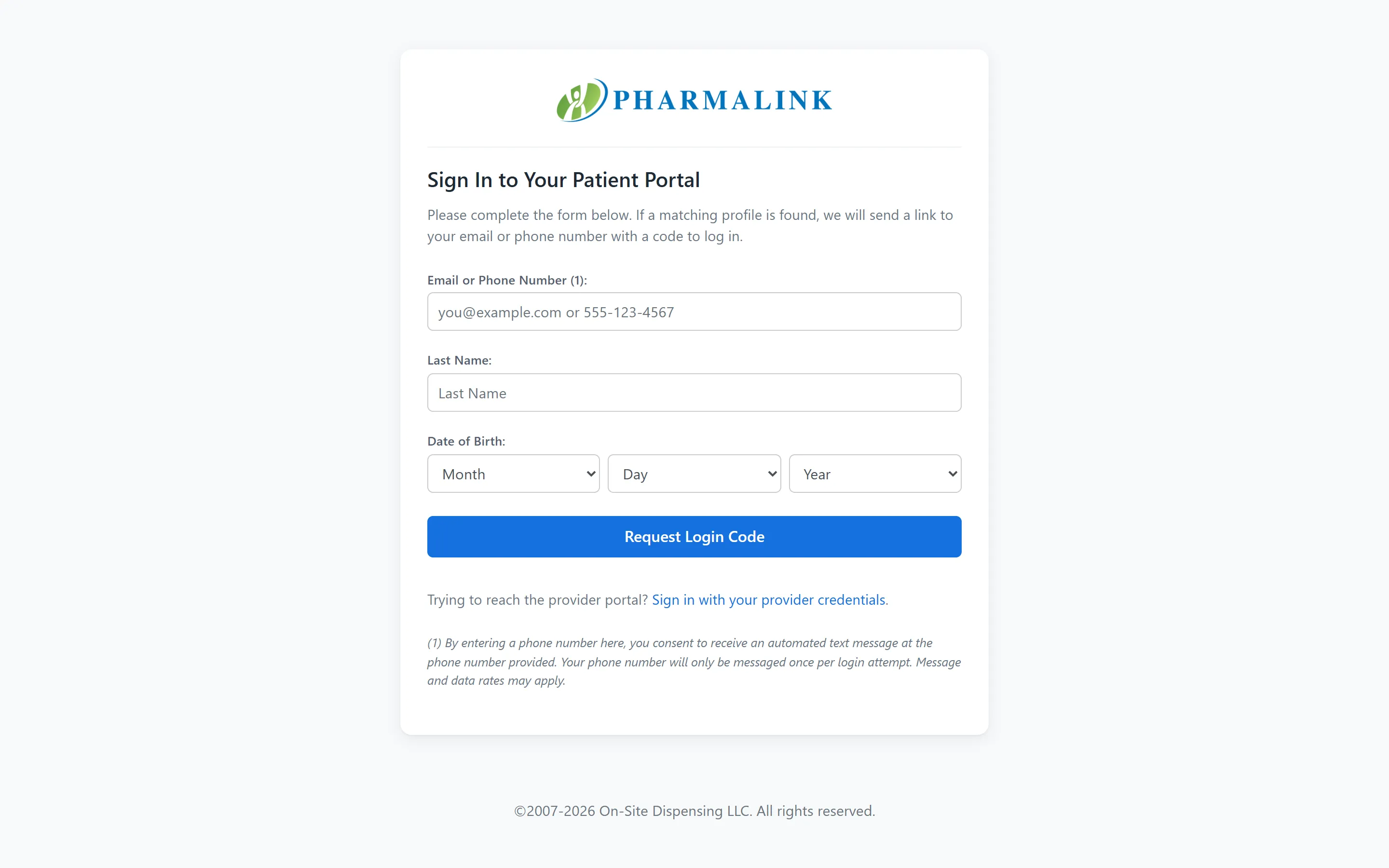
Passwordless access for patients
Patients log in with a one-time code sent to their email or phone — no passwords to forget. Inside, they see their prescriptions, shipment status, and payments, and can keep cards and addresses current.
Screenshots are from a PharmaLink demonstration environment; all patient and practice data shown is fictitious.